Every few years, it’s time to update the existing Office applications. Should I purchase another license from Microsoft—and if so, which one—or opt for a free product? What do I actually need, and what’s included in the various licenses? It’s not just about applications or features, or whether existing documents can be opened without data loss and reused. It’s about weighing the costs and benefits, considering platforms, and ultimately, personal convenience.
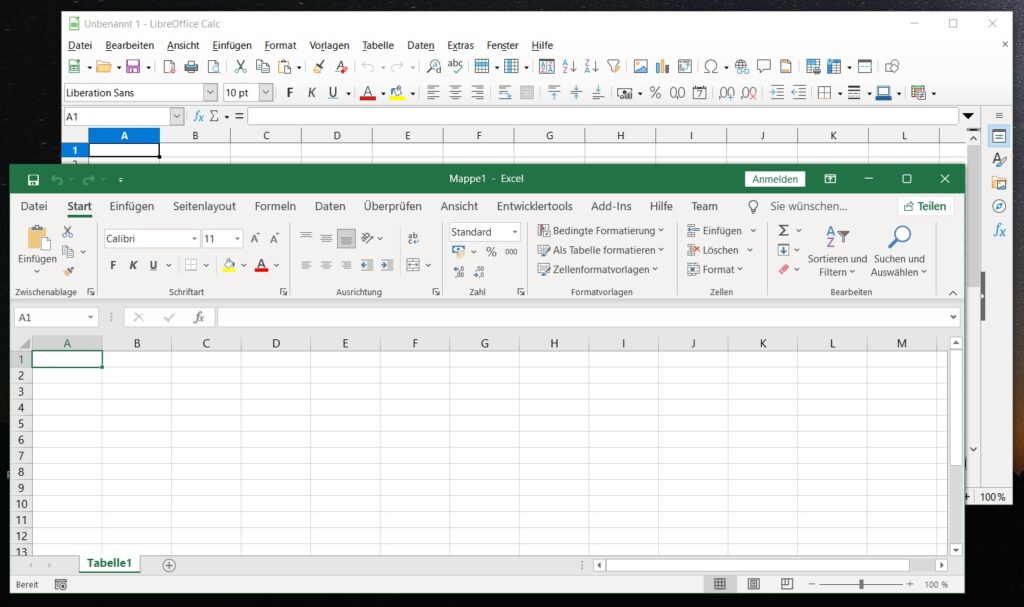
Back when applications were exclusively local, it was primarily convenience that kept us sticking with the same old software. If you worked with Microsoft products at the office, you wanted to use them at home, too. Even expensive licensing fees didn’t stop many people from fooling themselves. OpenOffice and, above all, Star Office were able to handle Microsoft file formats quite well from the start.
Star Division, the company that released Star Office, was first acquired by Sun Microsystems, which released an open-source version. This was then initially further developed under openoffice.org. Later, Sun became a wholly owned subsidiary of Oracle Corporation. The software suite was renamed from “StarOffice Version 9” to “Oracle OpenOffice Version 3,” as it had already been versioned on openoffice.org. Later, due to Oracle’s licensing and development policies, a fork emerged that has since been seeking users under the name LibreOffice.
In the meantime, the Internet had become widespread. Google was probably the first to put together a decent, online-ready version of the most important applications. Today, there are countless providers offering adaptations of varying quality, and even Microsoft has made its suite available online as Office 365. But even the Office suites designed for local installation now include online features.
Even cloud services sometimes come with their own online Office suite or integrate one from a third party. ONLYOFFICE often stands out here, as it’s particularly easy to integrate. These days, it’s no longer quite as easy to find the best solution without some prior knowledge. If you simply type “Office” into a search engine, you’ll initially see a lot of Microsoft pages—even on Google.
- Google Docs
- LibreOffice
- Microsoft 365 (Office zur Miete)
- Microsoft Office
- ONLYOFFICE
- OpenOffice