Proxmox: Last command disappeared after upgrade
After upgrading to Proxmox Virtual Environment version 9.1.1, I noticed an error message from my startup script when logging in via SSH: /welcome.sh: 1: last: not found. The script displays key system parameters immediately after login—such as my last login time, which it retrieves from /var/log/wtmp using the last command—effectively acting as a dynamic MOTD (see output below). While that information is displayed in the first line anyway, I prefer having the most important operational parameters clearly visible in the same spot every time. Anyone who has worked with multiple remote shells will likely agree with me.
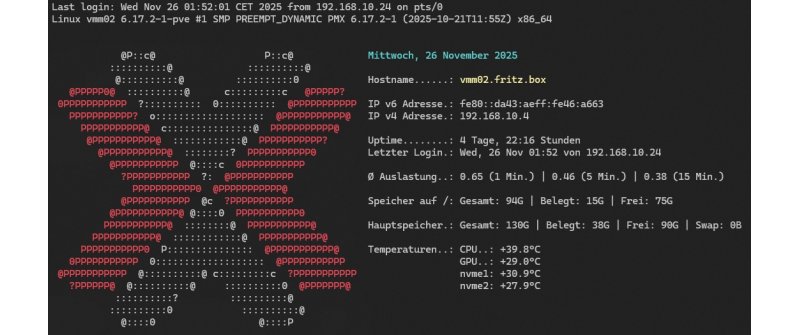
I had actually never really thought about where such commands are located or whether they are part of the shell. I couldn't quickly find any information on how to fix this issue; relevant search engines simply indicated that the command didn't need to be installed, as it is typically included in all distributions. It was only when I tried to devise a workaround using lastlog—and found that it was missing too—that I stumbled upon the solution.
sudo apt update
sudo apt install lastlog2
As if by magic, the startup script worked again after that. Incidentally, it is located at /usr/bin/last.